Understanding LED Flickering in Commercial Lighting
Common causes of flickering in downlights, spotlights, and track lights
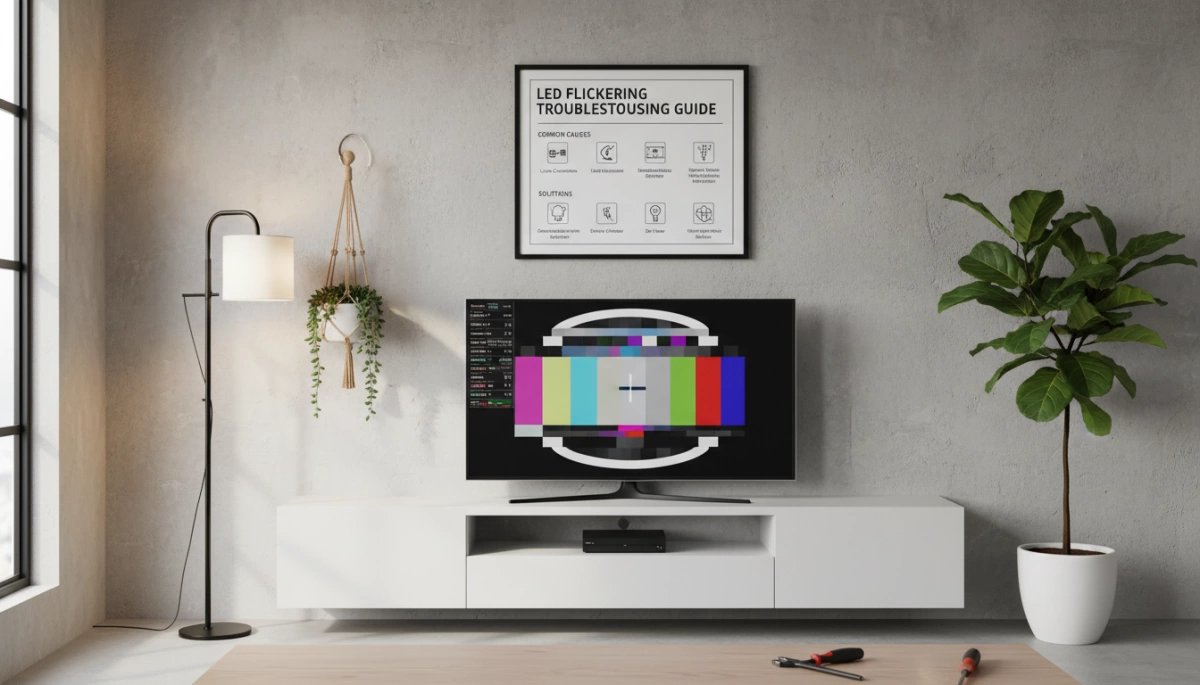
Flickering LED downlights, spotlights, and track lights typically result from inconsistent power delivery or incompatible components. The most common causes include:
- Loose wiring or unstable voltage
- Incompatible drivers or low‑quality power supplies
- Dimmers not designed for LED loads
- Overloaded circuits or shared electrical lines
- Thermal regulation issues within the LED modules
These issues disrupt the constant current LEDs require, causing visible blinking or strobing that affects commercial environments.
Difference between flickering and hyper flashing
Flickering is irregular, rapid light instability caused by electrical or driver inconsistencies. Hyper flashing, however, is an intentionally fast blink rate often triggered when the system detects a low electrical load—common in LED indicator systems where the LED uses far less power than traditional bulbs.
In illuminazione commerciale, flickering signals a compatibility or electrical issue, while hyper flashing usually points to a load imbalance.
Why LEDs flicker more than traditional bulbs
LEDs are more sensitive to power fluctuations because they rely on electronic drivers instead of heated filaments. Small changes in voltage, dimmer compatibility, or driver quality can cause noticeable flicker. Traditional bulbs mask these issues due to their thermal inertia, but LEDs react instantly to any disruption in current.
This is why high‑quality drivers, stable power, and proper component matching are essential in preventing flickering LED lights in modern commercial installations.
Product‑Specific Flickering Issues

LED downlights / recessed can lights
Downlights tend to flicker when the driver can’t keep a stable load. In most cases, it comes from loose connectors, poor‑quality drivers, or pairing the lights with old wall dimmers. In commercial installs, I always double‑check the wiring harness and swap in a compatible driver because that solves most flickering LED lights issues immediately.
LED spotlights and accent lighting
Spotlights are more sensitive to voltage dips. When the power feed isn’t steady or the transformer is undersized, you’ll see pulsing or momentary flashes. Heat buildup in tight accent fixtures can also push the LEDs into flicker mode. Using higher‑grade drivers and giving the fixture proper airflow usually fixes it.
LED track lighting systems
Track lights often flicker when the system has mixed LED brands, uneven loads, or old track heads paired with new low‑watt LEDs. Commercial spaces that frequently rearrange tracks see this more. I recommend keeping all heads on the same driver spec and avoiding ultra‑low‑watt bulbs that confuse older track transformers.
Dimmable commercial LED fixtures
Dimmable LEDs flicker mostly because the dimmer and LED driver don’t speak the same “language.” If the dimmer doesn’t support low‑watt loads or LED trailing‑edge control, you’ll get shimmer, strobing, or dead zones. Matching the dimmer to the driver always matters. When I set up dimmable commercial fixtures, I test several fade levels to make sure the system stays stable end‑to‑end.
Safety and Electrical Concerns
Does flickering indicate electrical problems?
When I see flickering LED lights in a commercial space, the first thing I check is the power source. Flickering can point to loose wiring, unstable voltage, or an overloaded circuit. It doesn’t always mean a major issue, but it’s a sign you shouldn’t ignore. If the flickering happens across several fixtures on the same line, that usually means the wiring or supply needs attention.
Fire hazard risks with LED flickering
LEDs themselves don’t get hot enough to cause fires, but the drivers, connectors, or dimmers can become a problem if they’re failing. Constant flickering can stress components, and poor connections can generate heat. When the flickering is paired with buzzing, a burning smell, or repeated shut-offs, I treat that as a serious fire risk and have the system checked immediately.
Signs of product failure vs normal operation
Some minor flicker during power surges or when a dimmer switches levels is normal. What’s not normal is:
- Sudden rapid blinking
- One LED in a group flickering while others stay stable
- Flickering that gets worse over time
- Lights cutting out and coming back on
Those are early signs of LED driver failure or an aging fixture. When commercial LEDs start showing these patterns, I usually plan for replacement before it affects the rest of the system.
Solutions and Troubleshooting
Fixing flickering in LED downlights
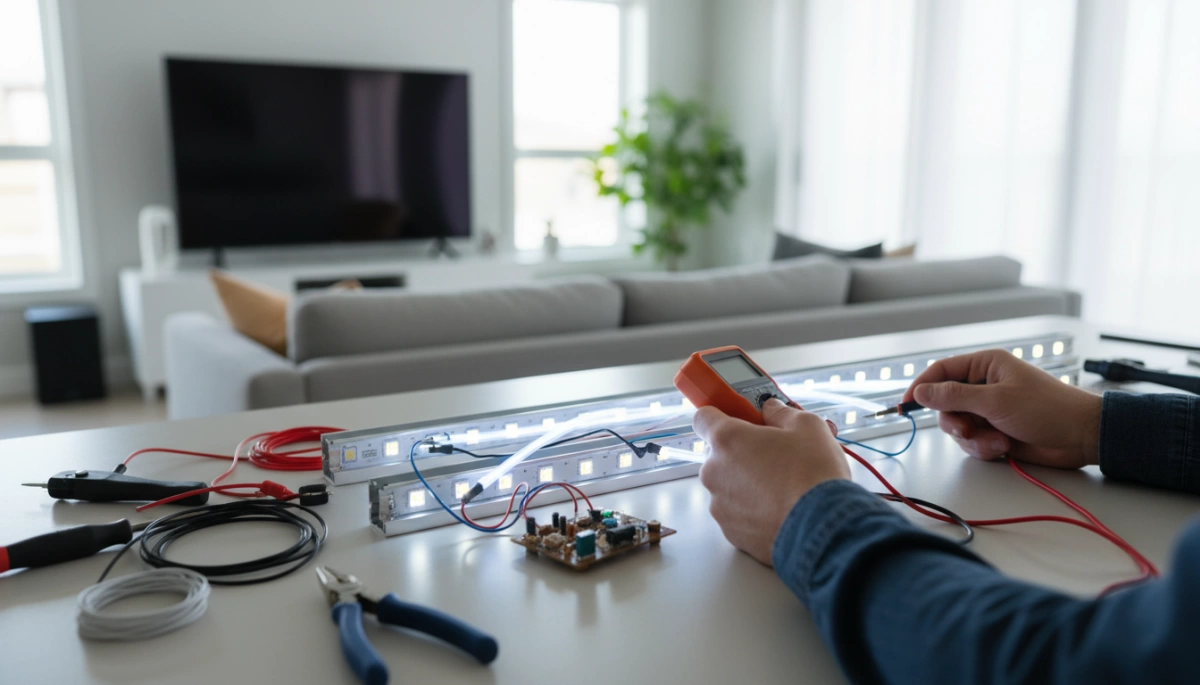
Most flickering Faretti LED come down to loose connections, weak drivers, or mismatched dimmers. I always start with the basics:
- Make sure the fixture is fully seated in the housing
- Check that the driver isn’t overheating
- Swap in a driver that matches the wattage and voltage of the downlight
A quick driver upgrade solves most commercial downlight flicker issues.
Resolving dimmable LED flickering issues
Dimmable LEDs are picky. If you’re seeing flicker at low brightness, it’s usually because the dimmer isn’t LED‑compatible. The fix is simple:
- Replace old triac dimmers with an LED-rated dimmer
- Add a minimum‑load module if the lighting load is too low
- Set the dimming range so the lights never drop below their stable point
Once the dimmer matches the LEDs, the flicker almost always disappears.
Solutions for hyper flashing problems
Hyper flashing shows up most often in LED indicators or low‑wattage circuits. To slow the flash down:
- Add a load resistor to simulate the missing wattage
- Swap in an LED‑compatible flasher relay
- Make sure the wiring is grounded properly
These upgrades keep LEDs flashing at a normal, steady rate.
Stopping LEDs from blinking when switched off
If your LEDs blink after you’ve turned them off, there’s usually a tiny current still running through the line. The quick fixes:
- Add a bypass capacitor
- Replace the switch with a “no‑leak” model
- Remove any glowing rocker switches or smart switches that bleed current
After cutting the stray current, the off‑blink goes away instantly.
Adjusting LED blinking/flashing rate
If your setup needs a specific flashing rate—like signage, indicators, or safety lighting—you’ll need control hardware that actually supports it. Options include:
- Adjustable LED flashers
- Programmable drivers
- Inline control modules
These let you slow down, speed up, or fully customize the LED flash rate without stressing the lights.
Technical Requirements
Compatible dimmers and drivers for commercial LEDs
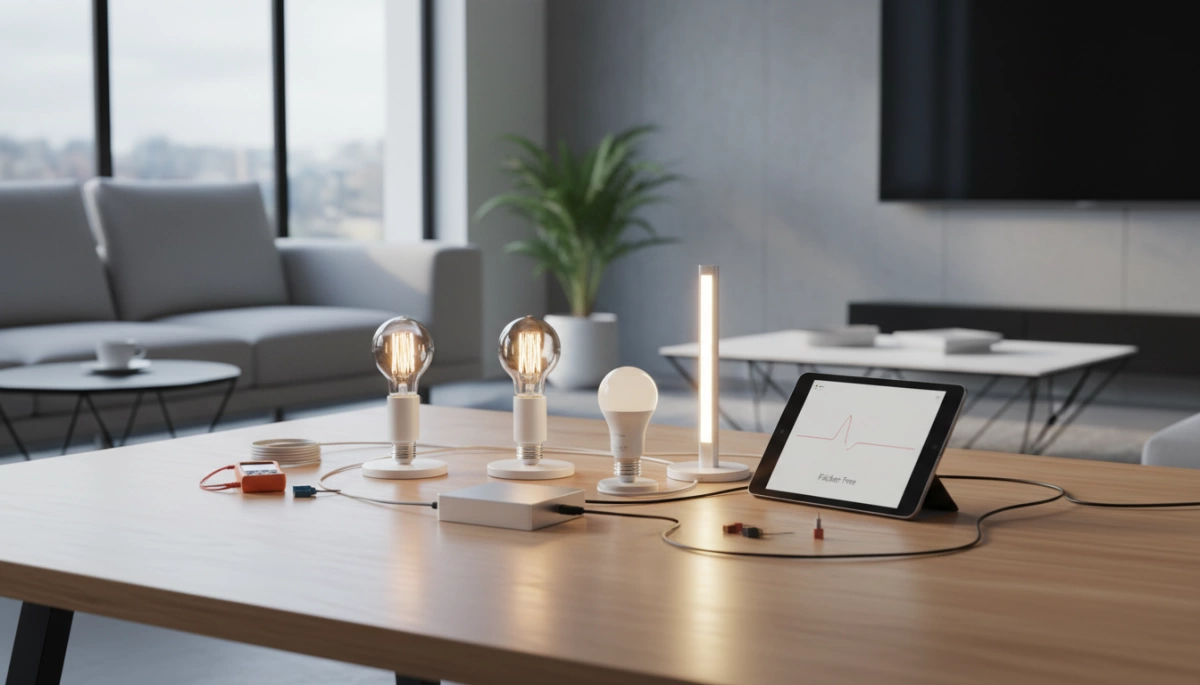
For commercial LEDs to run smoothly without flickering, the dimmer and driver need to match the fixture. I always stick to LED‑rated trailing‑edge dimmers and high‑quality constant‑current or constant‑voltage drivers. It avoids buzzing, strobing, and inconsistent brightness.
What to look for:
- LED‑compatible dimmers (trailing‑edge preferred)
- Drivers matched to wattage and voltage
- Minimum load requirements clearly listed
- Dimmers that support low‑watt LED loads
Load resistor solutions
If your LEDs flicker, hyper flash, or won’t turn fully off, adding a load resistor can stabilize the circuit. It creates the extra load older systems need.
Best use cases:
- LEDs replacing halogens
- Circuits with very low load
- Vehicles or machinery with CANBUS issues
- Track lighting with inconsistent brightness
Special flasher requirements for LED indicators
LED indicators draw so little power that many flasher units misread them. That’s where LED‑specific flashers or electronic flashers come in—they keep the flash rate steady and avoid hyper flashing.
Options include:
- LED‑rated flasher relays
- Electronic flashers
- CANBUS‑ready flashers for automotive and industrial setups
System compatibility considerations
Before installing any illuminazione commerciale a LED, I always check that the dimmers, drivers, transformers, and controls are all speaking the same language. A mismatch is one of the biggest reasons for flickering LED lights.
Key checks:
- Voltage match
- Wattage range
- Dimming type (0–10V, TRIAC, DALI, PWM)
- Total system load
Quick Table: Common Fixes for Compatibility Issues
Type of Issue | Fix
————- | —-
Flickering on dimmer | Use LED‑rated dimmer
Hyper flashing | Add resistor or LED flasher
Buzzing driver | Replace with higher‑quality driver
Glow when off | Add load resistor or neutral wire
Keeping the system compatible from end to end is the easiest way to avoid flickering and extend the life of your LEDs.
Product Longevity
Does flickering mean LED failure?
Flickering LED lights don’t always mean the fixture is failing. Most of the time, it’s a driver issue, loose wiring, or a dimmer mismatch. But if the LED still flickers after fixing the power source and controls, then the internal components are likely wearing out. When the flicker becomes constant or the brightness drops, that’s usually a sign the LED is nearing the end of its life.
Normal vs abnormal flickering patterns
Some brief startup flicker or a tiny shimmer at very low dimming levels can be normal for certain commercial LEDs. What’s not normal is:
- Random flashing or strobing
- Flicker that gets worse over time
- Flicker that happens even at full brightness
- Flicker paired with buzzing or heat
Those patterns point to poor drivers, failing capacitors, or unstable power.
When to replace LED fixtures
I replace LED fixtures when:
- The flickering doesn’t stop after checking the dimmer, driver, and wiring
- Light output drops noticeably
- The LED turns on and off randomly
- The fixture runs hotter than usual
- The driver or power supply shows visible wear
Replacing early prevents downtime and keeps your commercial spaces safe, bright, and energy‑efficient.




 EN
EN DE
DE ES
ES PT
PT FR
FR RU
RU AR
AR IT
IT TR
TR FI
FI SV
SV HU
HU NL
NL